Visual workflows
AI Image Lighting Prompts: Control Direction and Mood
Control AI image lighting with specific direction, source size and shadow instructions. Includes adaptable prompts for soft daylight, rim light and product scenes.

Write AI image lighting prompts by specifying the light's direction, source size, softness and effect on the subject. Keep the subject and composition stable while changing one lighting variable at a time. Review the result for coherent highlights and shadows rather than assuming that a photographic term guarantees a physically accurate image.
“Professional lighting” leaves many choices unspecified. “A large soft source to camera-left, gentle shadows to the right and restrained highlights on the ceramic surface” gives the model a clearer visual target.
Describe what the light should do#
Think in terms of visible effects. A large apparent source generally produces softer shadow edges; a small apparent source produces harder edges. Direction changes where highlights and shadows fall. Fill affects contrast, while a rim light can separate the subject from the background.
These are useful art-direction concepts, not guarantees of a generator's implementation. Different models interpret terms differently, so use the visible result as the final check.
| Lighting choice | Prompt detail | What to inspect |
|---|---|---|
| Direction | Key light from camera-left | Shadow direction and highlight placement |
| Softness | Large diffused source close to subject | Shadow-edge softness |
| Contrast | Gentle fill on the shadow side | Retained detail without flattening |
| Separation | Subtle rim along the back edge | Natural edge highlight |
| Color | Neutral daylight or a specified warm source | Consistent color relationships |
Start with one subject and a neutral scene#
Use a simple subject when learning the effect: an unbranded ceramic cup on a matte surface is easier to inspect than a crowded street. Keep the camera angle, background and material description constant across variants.
Save each prompt with its image. If you change the lens, background, pose and lighting together, you cannot tell which change produced the result you prefer. A small controlled set is more informative than many unrelated variations.
Copy this lighting prompt framework#
Create a wide editorial product image of [subject and material].
Composition: [camera angle, framing and background].
Lighting: [key direction], [source size and softness], [fill level],
[optional rim or background light], [color character].
Visible result: [desired shadow shape, highlight control and mood].
Preserve the subject's shape and material. Keep shadows coherent.
No text, logos or watermarks. Generate a conceptual image rather than
claiming it is a photograph of an actual customer product.
For a real product edit, provide the reference and specify which features must remain unchanged. AI can alter details while adjusting lighting, so inspect labels, proportions, color and material after every edit.
Try three practical variations#
For soft daylight, request a large window-like source from one side, subtle opposite fill and a calm neutral background. Inspect whether shadows remain present enough to describe the form rather than disappearing completely.
For dramatic product lighting, request a smaller directional key and deeper shadows while retaining the important surface detail. Avoid asking for both extremely soft and sharply defined shadows without explaining which light produces which effect.
For separation on a dark background, add a restrained rim light along the far edge. Check that it does not become an unnatural glowing outline around every object. The highlight should relate to the material and the light direction.
Match lighting to material#
Glossy objects reveal the light source through reflections. Matte objects reveal it more through tonal change and shadow. Transparent objects need careful edge and background treatment. Tell the model which material matters and what detail should remain visible.
A bright reflection can hide a label or shape cue. Ask for a targeted change such as reducing the highlight over the front face while preserving the overall lighting. Rewriting the whole scene often changes more than the problem area.
Review physical coherence#
Look at contact shadows beneath objects, reflections on shiny surfaces and the direction of cast shadows. Check whether multiple objects appear to share the same environment. In a generated image, attractive local details can coexist with inconsistent overall lighting.
Do not use a generated scene as evidence of how an actual product will look without appropriate validation. For commercial imagery, compare the output with the real item and follow the applicable platform requirements for presentation and disclosure.
OpenAI's image prompting guidance describes image generation and editing workflows. The prompt framework here is an original art-direction aid and can be adapted to a tool that supports the required image task.
Prepare the selected image for publication#
Keep the original, export the size needed for the page and check the crop at mobile width. Use a descriptive filename and contextual alt text. Retain any provenance metadata available in the original and do not present generated artwork as documentary evidence.
Plan a consistent set with the product photography shot-list workflow. Then use web image optimization for dimensions, format and loading.
Common questions#
Which lighting words are most useful in an AI prompt?#
Specify direction, apparent source size, softness, fill and the desired visible effect. Concrete shadow and highlight instructions are more useful than a vague request for professional lighting.
Should I include camera settings?#
Include them when they communicate a visual intention, but inspect the result rather than assuming the model simulates a real camera. Keep unnecessary technical detail out of the prompt.
How can I change lighting without changing the product?#
Use an image-editing workflow with a reference and explicit preservation constraints. Check the product's shape, details and color after the edit because those features can still drift.
Download the working files#
Download the copyable prompt and download the illustrative worksheet (CSV). Replace example data with your own verified inputs; the worksheet is a planning aid.
Browse the English AI workflow guides for related tasks.
Put the workflow into practice
Start with the copyable prompt and a small example you can verify. Choose a tool that supports your input type, and review its output before using it.
Open GPT PlusThe app interface is primarily Persian. Available models and tools are shown in the app.
Continue with a related guide
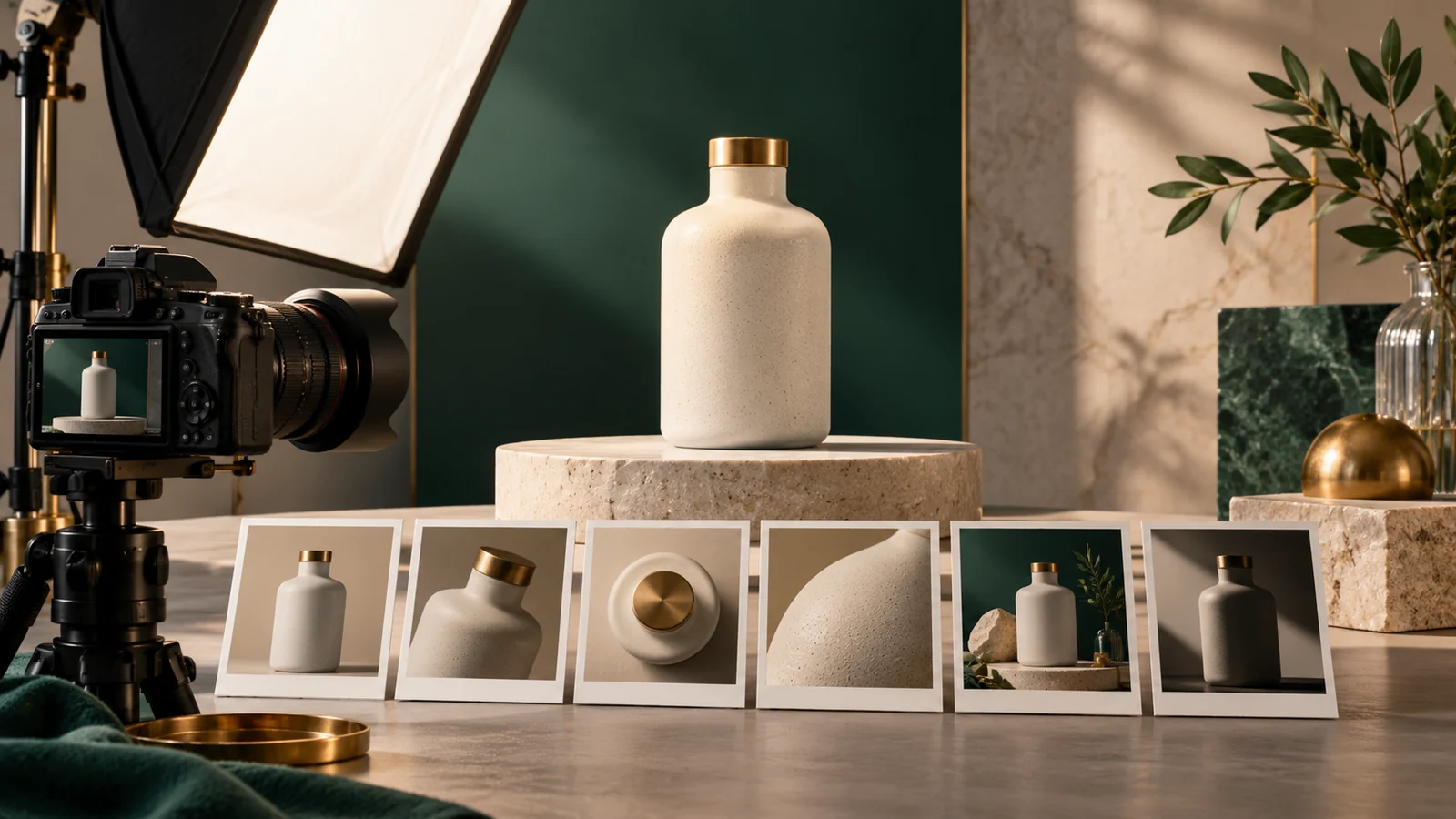
Plan a Product Photography Shot List with AI
Plan product photos with AI using a shot matrix, feature priorities and crop requirements. Includes a reusable shot list and a prompt for a consistent photo brief.
AI Translation QA: A Checklist for Meaning and UI Fit
Check AI translations with a terminology glossary, number checks and UI context. Includes a bilingual QA workflow and a prompt that separates errors from preferences.
Optimize AI Images for the Web: WebP, AVIF and Alt Text
Prepare AI-generated images for websites with sensible dimensions, WebP or AVIF, descriptive filenames and contextual alt text. Includes an image publishing checklist.